Connect your exchange
Use supported exchange API keys while balances stay on Binance, MEXC, OKX, KuCoin, Bitget, Gate.io, or the connected exchange account.
Quantova turns exchange API trading into a controlled workspace: paper test first, connect non-custodial keys, run bot rules, and watch risk, credits, positions, and signals from one screen.
Quantova gives traders the buying reasons up front: keep control of funds, test safely, configure the bot, see every action, and pay through clear QC credits instead of opaque subscriptions.
Use supported exchange API keys while balances stay on Binance, MEXC, OKX, KuCoin, Bitget, Gate.io, or the connected exchange account.
Set symbols, trade size, TP/SL, trailing behavior, cooldowns, max hold time, paper mode, and live mode from a single trading workspace.
Review market readiness, bot logs, open positions, trade history, wallet credits, backtests, Arena runs, and account activity before increasing risk.
Quantova reviews trend, momentum, volatility, volume, support, and resistance so users can see whether a symbol is favorable, cautious, or high risk before confirming bot-assisted trading.
A trader should not need to trust a black box. Quantova makes the safety story visible before the signup button, then keeps it visible inside the workspace.
Users keep funds on their own supported exchange accounts. Quantova recommends dedicated API keys with withdrawal permission disabled wherever the exchange supports it.
New users can test symbols, sizing, stop loss, take profit, trailing stops, and cooldown behavior without placing live exchange orders.
Bot logs, market guards, wallet credits, backtests, Arena sessions, and advisor notes give users a practical way to understand what happened before changing settings.
Start with the workflow that matters: connect, test, fund credits, launch, monitor, and talk to the team when help is needed.
Create an account, connect supported exchange API keys, and verify the trading workspace without transferring funds to Quantova.
Run conservative paper trades, read bot logs, compare Market Outlook, and validate strategy behavior before live execution.
Top up QC credits, start with small live settings, and monitor positions, account activity, billing, and performance in one dashboard.
Quantova keeps pricing understandable for new traders: top up credits, see wallet ledger changes, and review usage without hidden platform language.
Arena gives traders a structured place to queue virtual challenge runs, compare scores, review drawdown behavior, and read automated coach feedback before changing real bot settings.
Opening a challenge shows the setup and leaderboard.
Quantova gives creators, group admins, and active traders a simple referral link with tracked commissions, payout requests, and admin-reviewed USDT settlement.
Earn on each referred user’s first wallet top-up when referral tracking is attached.
Keep earning on following top-ups during the active referral window.
Courses and articles stay available for traders who want deeper setup guidance, risk education, and product updates before or after they create an account.
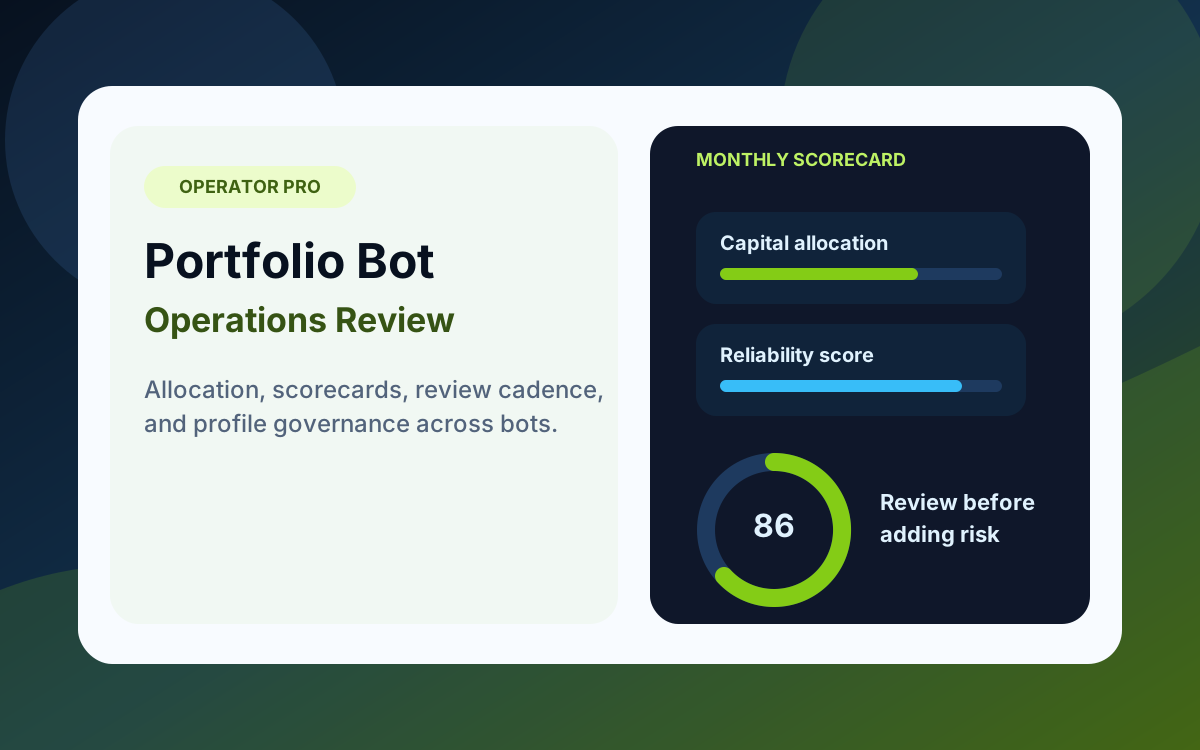
Run multiple bots with allocation discipline, review cadence, profile governance, and performance scorecards.
View Course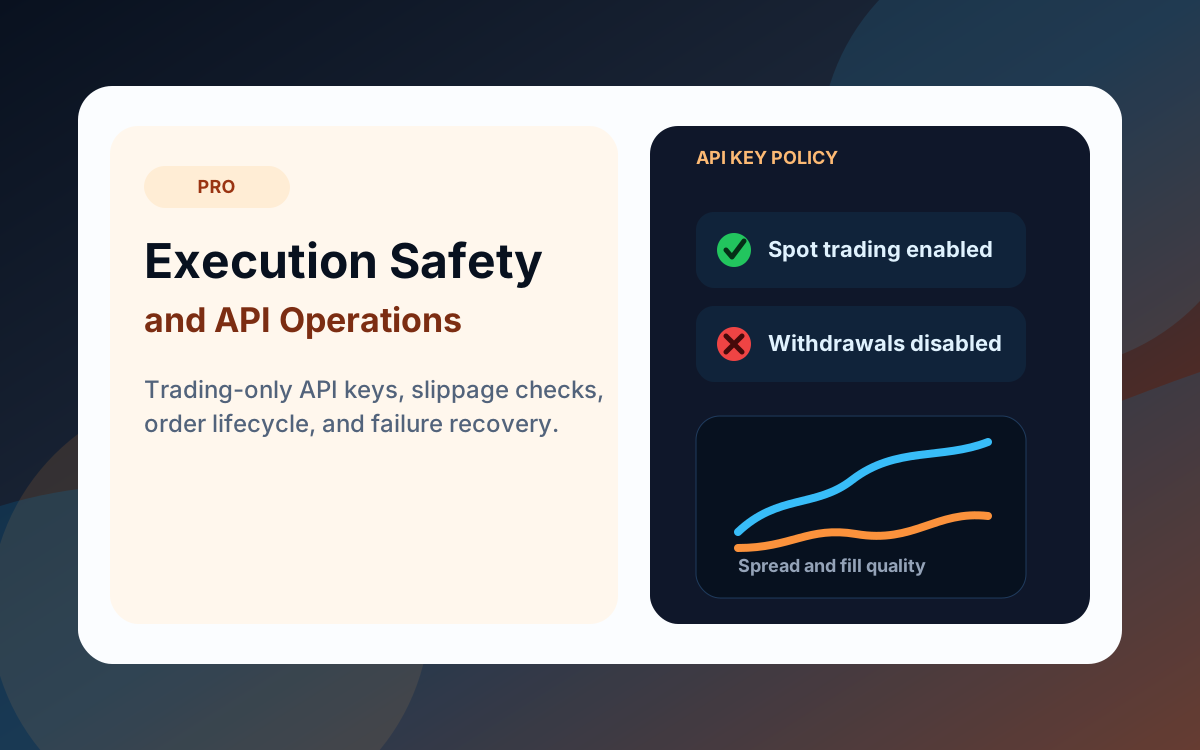
Audit trading-only API keys, understand order lifecycle risk, and respond safely to exchange execution failures.
View Course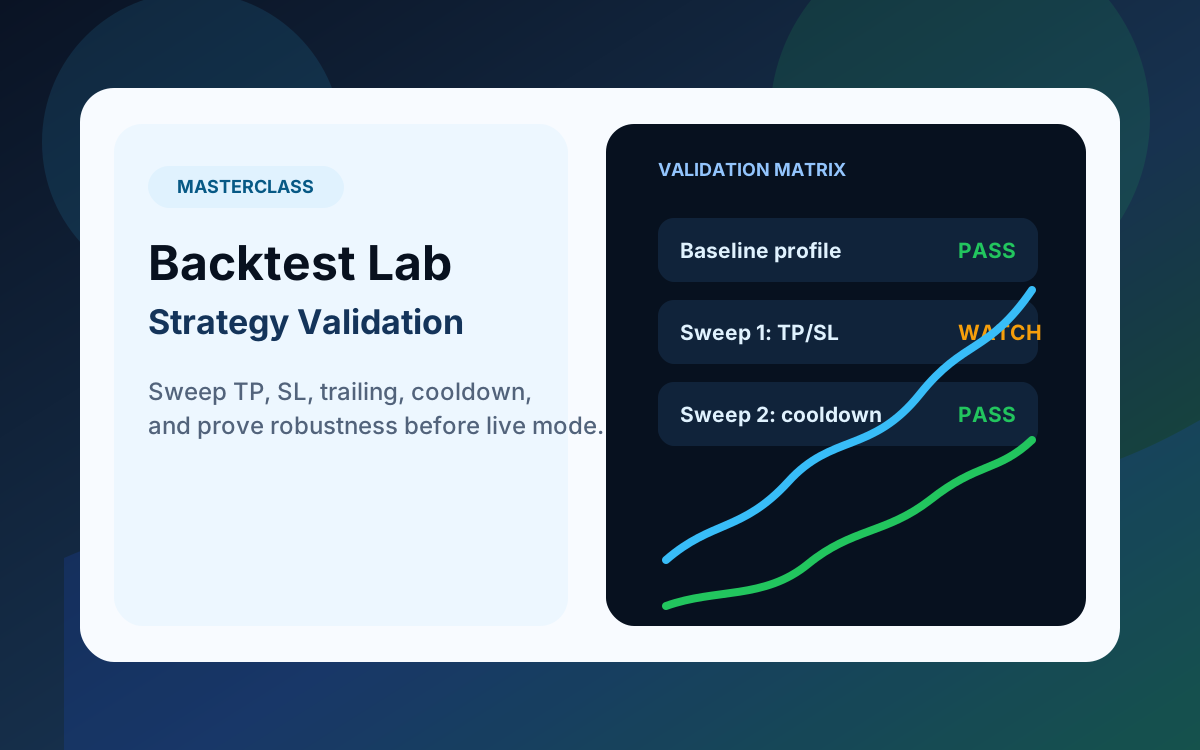
Turn backtests and sweeps into decision-grade evidence before promoting a strategy profile to paper or live mode.
View Course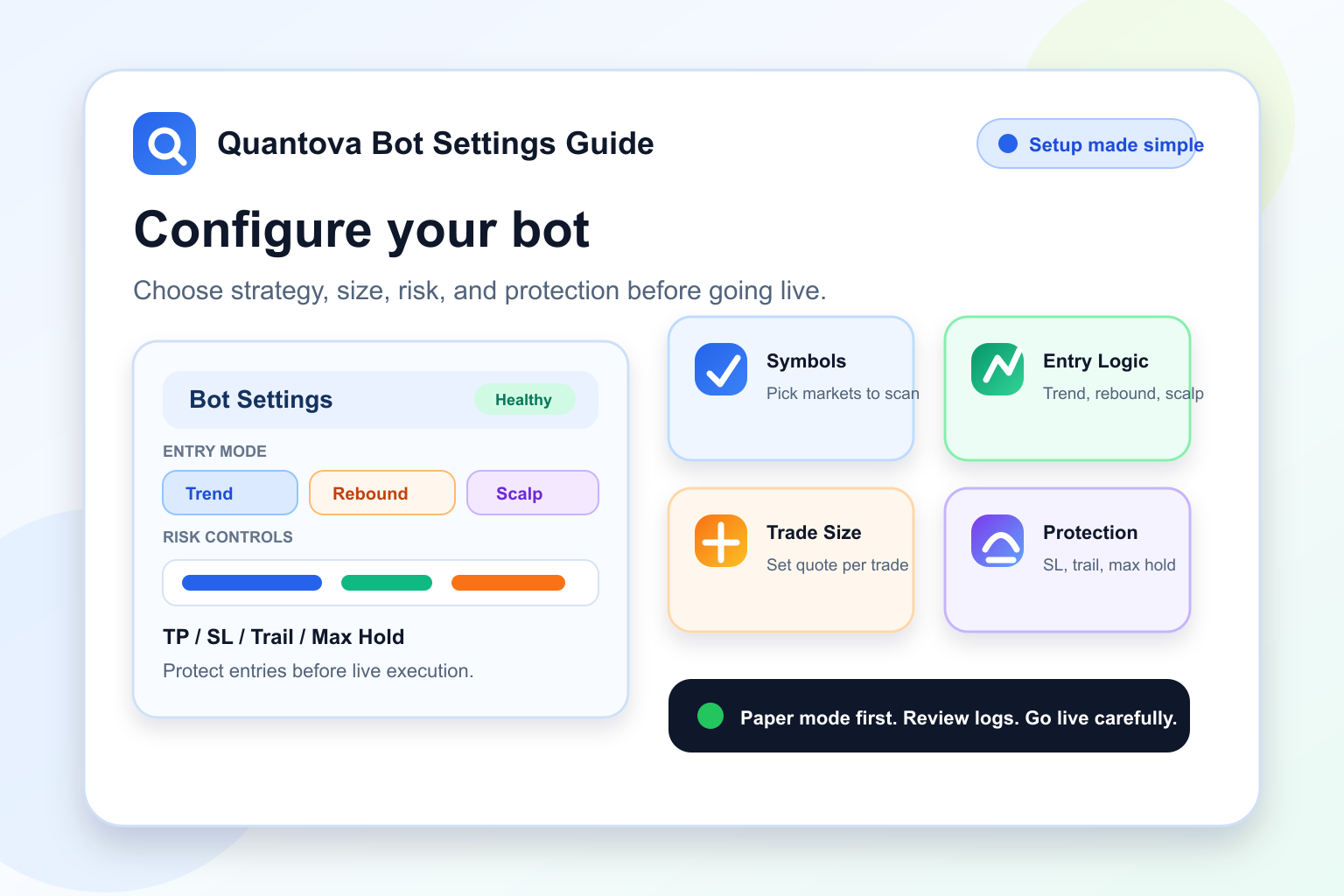
A simple step-by-step guide to configuring Quantova bot settings, from paper mode and symbols to risk controls, trailing protection, cooldowns, and daily limits.
Read Article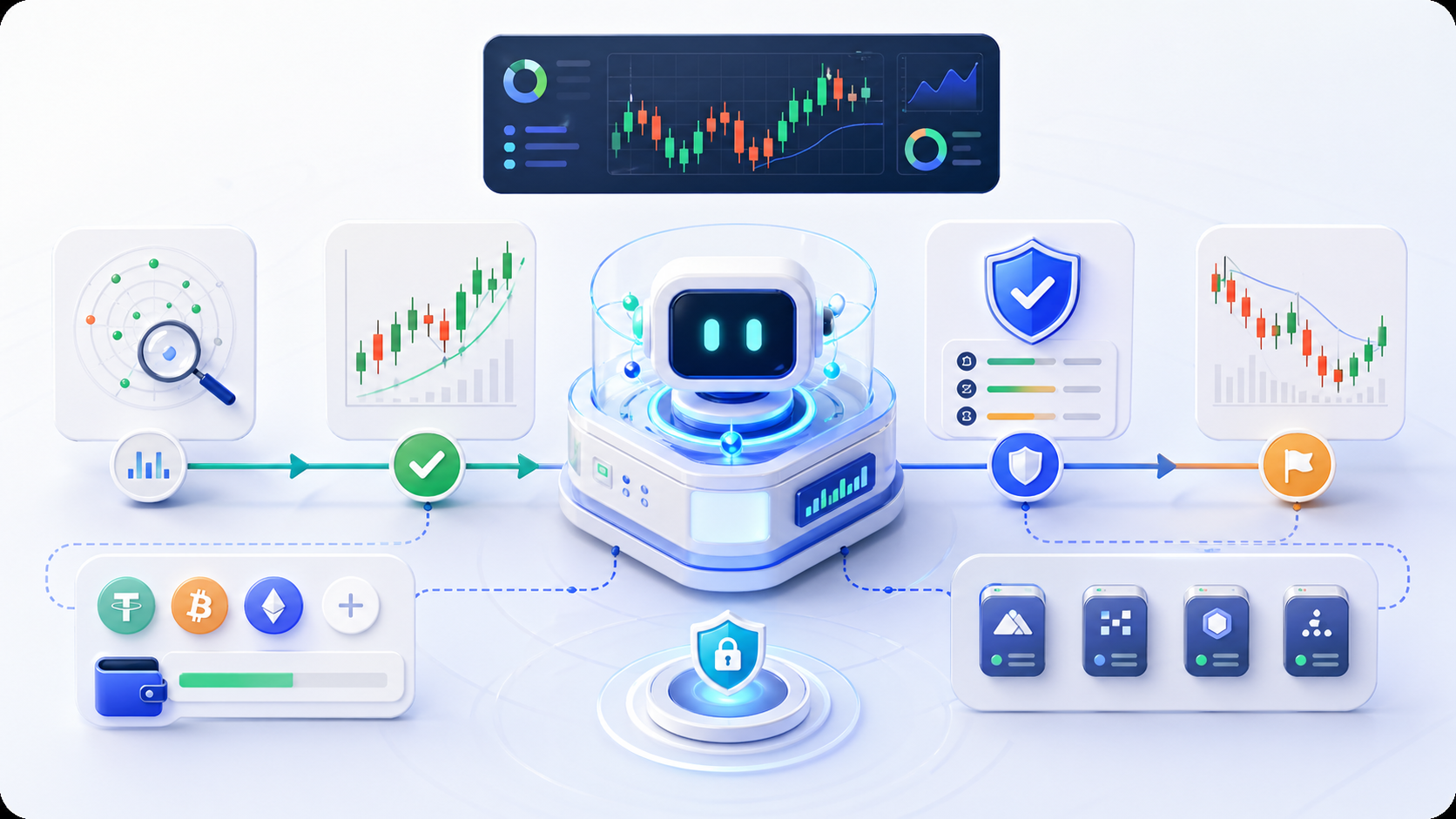
Learn how Quantova uses Trend Pullback, Bearish Rebound, Fast Scalp, profit-lock, trailing protection, and AI Advisor reviews to automate trading with clearer risk controls.
Read Article
Learn how to move from exchange API setup to live execution on Quantova with a risk-aware workflow, dashboard checks, and a careful paper-to-live transition.
Read ArticleQuick answers for traders comparing automated crypto trading platforms, exchange API bots, QC wallet credits, and risk controls.
Quantova is an AI-powered crypto trading platform that helps users connect supported exchange API keys, run paper or live trading bots, monitor performance, and manage trading risk through configurable controls and QC credit billing.
No. Quantova is not a crypto exchange. It is a trading automation platform that connects to supported exchanges through user-owned API keys where permissions allow.
Quantova is designed for non-custodial exchange API workflows. Users keep funds on supported exchanges, should disable withdrawal permission where possible, start with paper trading, and monitor bot activity. These controls help reduce operational risk but do not remove trading risk.
No. Quantova is designed as a non-custodial platform. Users keep trading balances on their own supported exchange accounts and should disable withdrawal permission on API keys where possible.
Use the minimum permissions needed for the selected workflow. For trading automation, withdrawal permission should stay disabled where the exchange supports it. Use a dedicated key, verify the connection, and revoke the key from the exchange if access is no longer needed.
Quantova supports Binance, MEXC, OKX, KuCoin, Bitget, and Gate.io where the account, API permissions, region, and selected market type are available.
Yes, Quantova supports Binance API workflows when the Binance account, API permissions, region, and selected market type allow the connection.
Paper trading is simulated trading. It lets users test bot settings, entries, exits, and risk rules without placing real exchange orders.
No. Quantova does not guarantee profit. Crypto trading involves risk, including loss of capital, and users should only trade with money they can afford to lose.
The bot can skip trades when configured checks fail, such as weak market guard, low volume, poor candle structure, unsafe volatility, insufficient trend confirmation, open-position limits, cooldown, or risk controls. Skipping can be intentional risk control rather than a bug.
Quantova provides configurable controls such as stop loss, take profit, max open positions, cooldown, max hold time, daily trade limits, bot logs, market guard checks, and paper trading. These controls reduce avoidable risk but cannot remove market risk.
AI Smart DCA is an opt-in Quantova workflow that can add a limited reduced-size buy to an existing spot position only when pullback, recovery, volume, volatility, market guard, and cycle-budget checks pass.
Momentum Breakout is an opt-in Quantova entry path for confirmed continuation moves above resistance. It is separate from the normal pullback strategy and can still reject entries that are too extended, low volume, or unsafe.
Early Reversal Probe is a reduced-size guarded entry path that looks for controlled recovery after a drop while the broader market is still cautious. It checks bounce quality, RSI improvement, candle strength, volatility, volume, and moving-average distance.
Yes. A DCA calculator can help estimate average entry, total exposure, and rebound targets before using an averaging strategy. It is only an educational planning tool and does not predict market outcomes.
Quantova uses QC wallet credits for usage-based platform billing. Users can top up credits, review wallet activity, and monitor platform usage from the billing area.
Beginners can use Quantova if they start with education, paper trading, small settings, and careful monitoring. Beginners should not treat any bot as financial advice or guaranteed income.
Send a message for onboarding, exchange setup, billing, partnerships, or product questions. Every submission appears inside the admin panel so the team can follow up quickly.
Clear details help the team respond faster. Include your exchange, Telegram ID, or workflow step if it is relevant.
Connect keys, fund credits, configure the bot, and operate from a dashboard built for transparent automation.