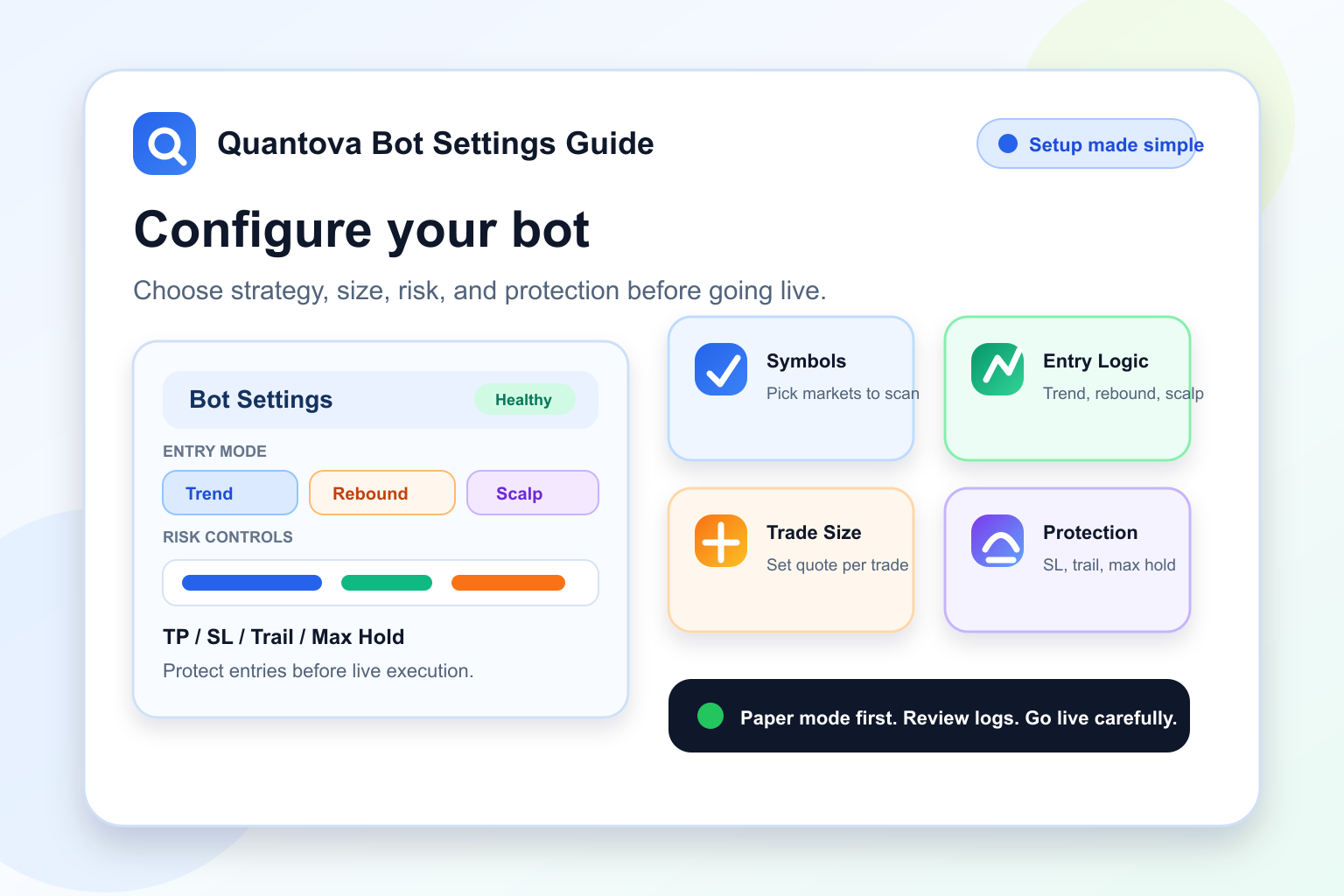
Quantova is built to help users trade with a clear process instead of emotion. The bot does not buy randomly, and it does not try to force trades every minute. It scans supported symbols, checks market quality, respects user limits, and manages every open position through predefined risk rules.
This guide explains how the current Quantova bot works, including Trend Pullback, Bearish Rebound, Fast Scalp, profit-lock, trailing stop, fill-aware PnL, and the AI Advisor layer.
The Main Idea
The Quantova bot is a rule-based trading assistant. Each user controls the trading mode, symbols, EMA settings, take-profit, stop-loss, trailing rules, cooldown, maximum open positions, maximum trades per day, and maximum hold time.
The goal is not to promise that every trade will win. No real trading system can do that. The goal is to help users trade with more structure, faster opportunity detection, and stronger risk control than manual emotional trading.
The Bot Workflow
Every bot cycle follows a practical sequence:
- Manage open positions first.
- Refresh live prices from the price feed or exchange ticker.
- Update profit-lock and trailing protection when price has moved favorably.
- Close positions when take-profit, stop-loss, max-hold, or a valid profit-protection trigger is reached.
- Check account, wallet, cooldown, and daily trade limits before opening anything new.
- Scan the configured symbols for valid setups.
- Open a new position only when the selected strategy passes its checks.
This order matters. The bot protects existing trades before looking for new ones.
Market Quality and Symbol Scanning
Before opening a new trade, Quantova checks the configured symbol universe. It considers liquidity, spread, volatility, fees, and expected edge after costs.
A setup can look good on a chart but still be poor if the market is thin, the spread is wide, or fees remove too much of the expected move. Quantova gives priority to symbols that are more practical to trade.
Broad Market Guard
Quantova is long-only for spot trading, so the broad market matters. The bot watches BTC market structure as a guardrail. When the market is clearly weak, normal entries can be blocked to avoid buying into a heavy downtrend.
This does not mean the bot must stay inactive forever in bearish conditions. It can use stricter opportunity modes, such as Bearish Rebound and Fast Scalp, when the market is down but a controlled bounce setup appears.
Entry Modes
Quantova currently uses three main entry paths.
1. Trend Pullback
Trend Pullback is the normal entry mode. It looks for a better-quality market that still has trend support but has pulled back enough to avoid buying too late.
Typical checks include:
- Fast EMA above slow EMA.
- Price holding above the slow EMA.
- Slow EMA showing a healthy slope.
- Price pulling back near the fast EMA.
- Bullish candle confirmation.
- RSI inside a healthy range.
- ATR showing enough movement without chaotic volatility.
- Volume strong enough compared with recent average volume.
- Higher-timeframe confirmation.
- Broad market guard not showing a clearly bearish regime.
This mode is selective by design. Skipping weak cycles is part of the protection system.
2. Bearish Rebound
Bearish Rebound is designed for down-market conditions. Instead of fully blocking the bot during bearish periods, Quantova can scan for a stricter rebound setup.
This mode looks for situations where price has dropped far enough, starts to recover, and shows confirmation that the bounce is not just random noise. It is more cautious than normal entry because bearish markets can trap early buyers.
Bearish Rebound uses reduced sizing and stricter validation. It is meant to catch controlled recovery moves, not to force trades during every dip.
3. Fast Scalp
Fast Scalp is a quicker opportunity mode for short-lived rebound moves. It is useful when the bot detects a smaller but cleaner bounce setup.
Fast Scalp uses smaller position sizing than a normal trade and has tighter risk behavior. It can detect opportunities faster, but it still needs confirmation before entering.
Fast Scalp is not a license to overtrade. The bot still respects daily trade limits, cooldown, open-position limits, wallet credits, symbol rules, and market quality checks.
Position Sizing
Different entry modes can use different quote sizes. Normal entries use the configured quote per trade. Bearish Rebound and Fast Scalp can use reduced sizing so the bot can explore faster setups without exposing the same amount of capital as a standard trade.
This matters because rebound trades can be useful, but they can also be noisy. Smaller sizing helps reduce the impact of false rebounds.
How the Bot Sells
When a position is open, Quantova manages it using multiple exit layers.
The main sell conditions are:
- Take Profit: closes or syncs the position when the target is reached.
- Software Stop Loss: closes when price moves against the trade beyond the allowed risk.
- Profit-Lock: moves protection above entry only after price has moved favorably.
- Trailing Stop: follows a favorable move and only executes as a profit-protection exit when the current sellable price is still above the protected profit floor.
- Max Hold Time: closes stale trades that remain open too long.
- Exchange Fill Sync: checks exchange fills so Quantova does not accidentally duplicate a sell after an exchange-side take-profit order fills.
Profit-Lock and Trailing Stop
Profit-lock and trailing stop are designed to secure gains, not to label losing exits as successful trailing exits.
When a trade moves favorably, Quantova records the high-water price. It can use recent 1-minute candle highs so a short profit spike is not missed between bot cycles. If the price later pulls back, the bot checks whether the current sellable bid price is still above the protected profit floor.
If the bid is still profitable, the bot can close with TRAIL_SL and preserve part of the move. If the price has already dropped below the profit floor, the bot does not treat that close as a trailing-profit exit. Losing exits belong to stop-loss, max-hold, or missed-profit-lock analysis, not successful trailing protection.
This makes reporting clearer: a trailing stop should mean the bot protected profit.
Fill-Aware PnL
Live trading depends on real exchange fills, not only the last sampled market price. Quantova now records actual fill quantity and average fill price from the exchange for both entries and exits when available.
This helps the dashboard show more accurate realized PnL, especially when fast markets or market orders produce a different fill than the sampled price shown during the bot cycle.
Why the Bot Sometimes Says No Entry
Logs such as "No entry this cycle" do not mean the bot is broken. They mean the bot checked the market and decided the setup was not strong enough, or operational limits prevented a new position.
Common reasons include:
- Maximum open positions already reached.
- Cooldown is still active.
- Daily trade limit has been reached.
- Wallet credits are not enough for a new trade cycle.
- Volume is below the required level.
- Price is too extended above the fast EMA.
- Pullback is too deep and may indicate weakness.
- RSI is outside the healthy range.
- Spread, fees, or market rules make the trade unattractive.
- Broad market guard is bearish and no rebound setup passed.
Good automation should be able to wait. The goal is not maximum activity. The goal is better trade quality.
Risk Controls Built Into Quantova
Quantova includes multiple safeguards to reduce avoidable mistakes:
- Maximum open positions to limit exposure.
- Maximum trades per day to reduce overtrading.
- Cooldown after trades to prevent rapid repeated entries.
- Stop-loss settings for downside protection.
- Profit-lock and trailing logic for protecting favorable moves.
- Maximum hold time for stale positions.
- Broad-market guard for long-only spot protection.
- Bearish Rebound and Fast Scalp modes for controlled opportunities in weak markets.
- Fee-aware edge checks before entry.
- Minimum order rule checks before sending exchange orders.
- Exchange account verification before live trading.
- QC wallet checks before starting a new trade cycle.
- Clear logs and strategy labels for review.
These protections do not remove market risk, but they create a more disciplined trading environment.
AI Advisor Layer
Quantova's AI Advisor is not an execution engine. It does not place trades and it should not override risk controls.
Its role is to review performance, explain trade outcomes, detect anomalies, and suggest parameter ideas that should be tested before going live. This makes the platform smarter without letting an AI hallucination directly control user funds.
Useful advisor reviews include:
- Why did this trade close?
- Which strategy mode is performing best?
- Are stop-loss exits dominating losses?
- Are Fast Scalp or Bearish Rebound trades profitable after fees?
- Should a parameter change be backtested before going live?
Strategy Performance Review
Users should review results by entry mode:
TREND_PULLBACKBEARISH_REBOUNDFAST_SCALP
This separation is important. A bot can look profitable overall while one strategy mode is weak, or it can look weak overall while one mode is performing well. Tracking strategy labels helps users improve settings with evidence instead of guessing.
The most useful review period is usually 7 to 14 days, after fees and real fills are included.
Best Practices for Users
Start with paper trading before going live. Keep position size small until you understand how the bot behaves. Review logs, open positions, strategy labels, wallet usage, and PnL charts regularly.
For live trading, conservative settings are usually better than aggressive ones. Lower leverage, fewer open positions, realistic take-profit, strict stop-loss, and clear daily limits help protect capital.
A good setup should not only ask, "How much can I make?" It should also ask, "How much can I lose if the market is wrong?"
Final Note
Quantova is designed to make automated trading clearer, faster, and more disciplined. The bot can scan markets, adapt entry modes, manage open positions, protect favorable moves, and produce logs that explain what happened.
Crypto trading still carries risk. Quantova helps users follow a better process, but users should trade with money they can afford to risk and review their settings regularly.